


Meta description: I tested 10 free AI tools against their paid counterparts — here’s which ones actually hold up.
Three months ago I was paying for five different subscriptions just to write, edit, and post content —
and it was adding up fast. So I spent a week going through free tools one by one to see which ones
could actually replace what I was paying for. Some were disappointing. A few genuinely surprised
me. Here’s the full breakdown.
1. Free AI Writing Tools — Instead of Jasper / Copy.ai

Paid AI writing tools charge $20–50/month for what is, honestly, a well-tuned prompt wrapped in a
nice interface. Free AI chat tools now handle blog outlines, product descriptions, and social captions
just as well. The one place they fall short is long-form drafts over 2,000 words, where the writing
starts repeating phrasing. For anything under that, I couldn’t tell the difference from what I was paying
for.
2. Free Background Removers — Instead of Photoshop
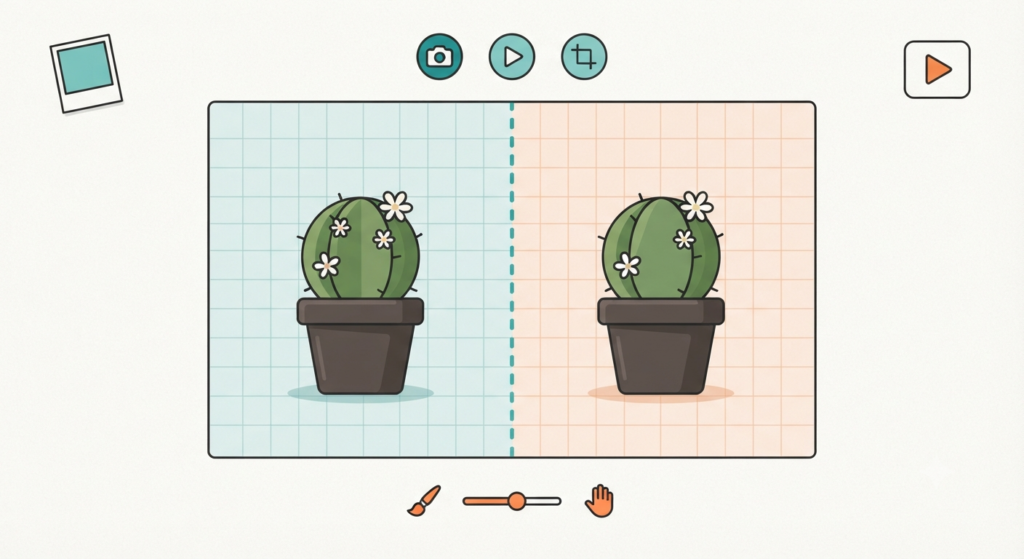
Removing a background used to mean either learning the pen tool or paying for a Photoshop
subscription. Free background-remover tools do it in about four seconds, and on plain-background
product photos, the edges came out cleaner than I expected. Hair and fur edges are still the one spot
where you’ll want to zoom in and touch up manually — no free tool handles that perfectly yet.
3. Free PDF to Word Converters — Instead of Adobe Acrobat
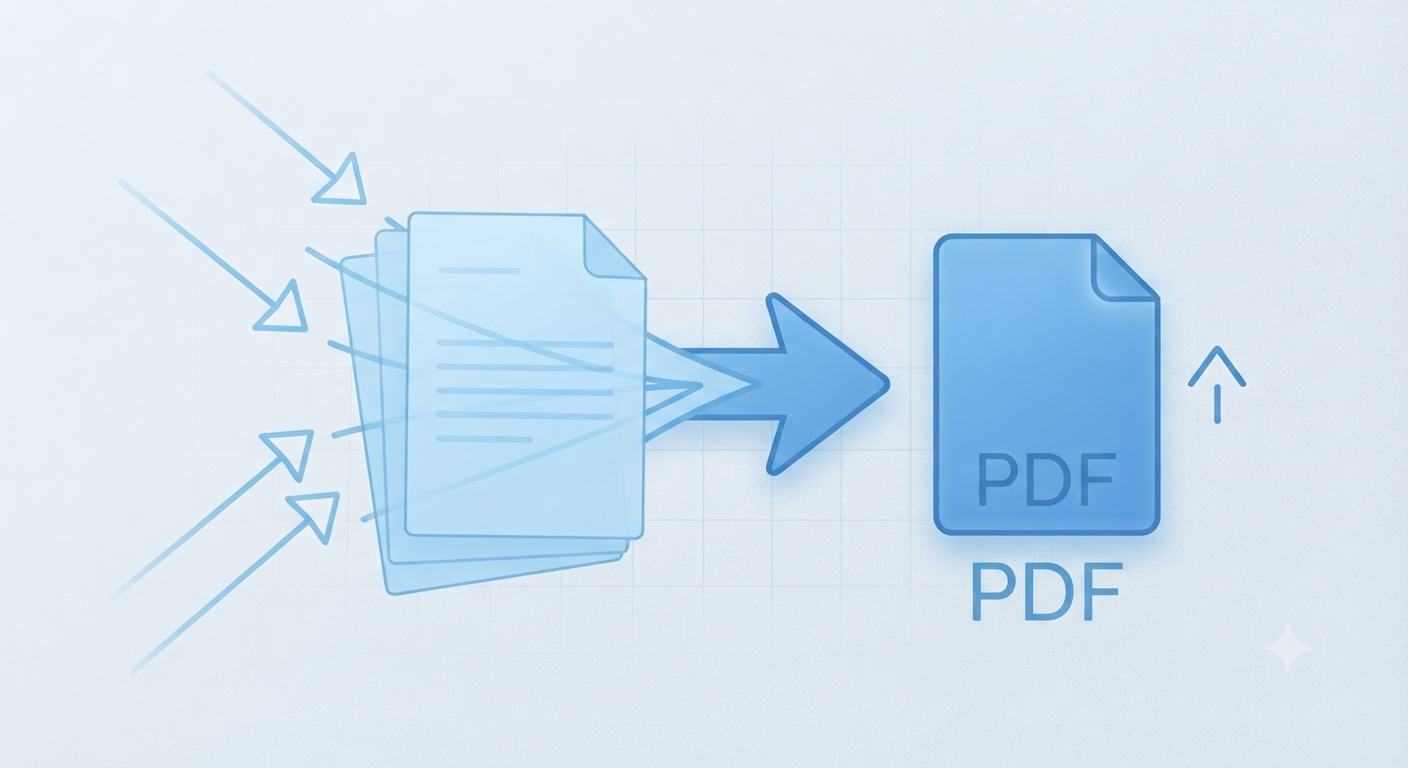
I ran a 12-page PDF with tables and bullet formatting through a free converter, and it kept the layout
intact — something even some paid converters get wrong. The only hiccup was a scanned
(image-based) PDF, which needed OCR first. If your PDF has actual text in it, this saves you the
$15.99/month Adobe wants.
4. Free YouTube Tag Generators — Instead of TubeBuddy
New channels don’t need the full TubeBuddy suite — they need good tags and titles. Free tag
generators pull suggestions based on your video title and topic, and for a channel under 1,000
subscribers, that’s honestly 90% of what TubeBuddy’s paid tier gets used for anyway.
5. Free AI Summarizers — Instead of Paid Summary Tools
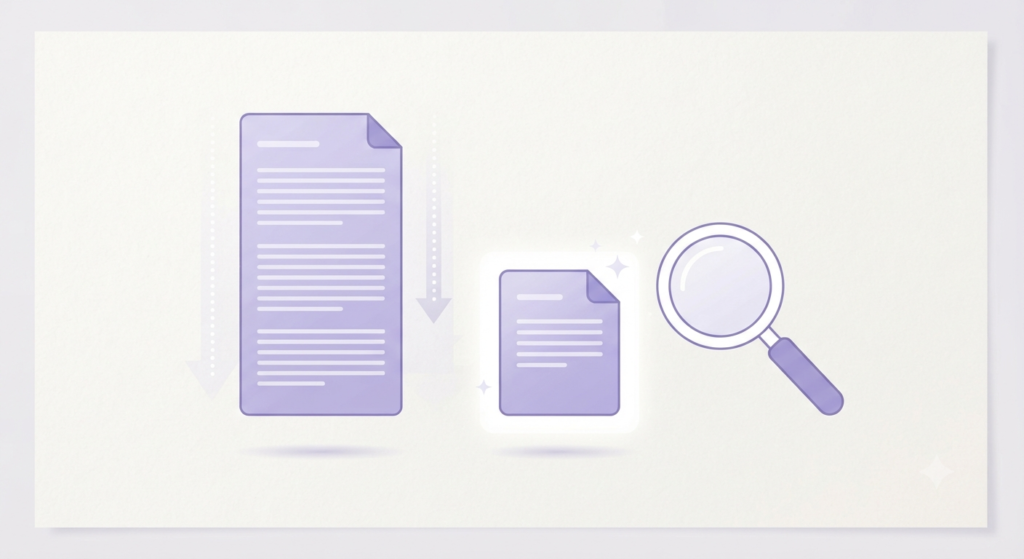
I fed a 3,000-word article into a free summarizer and got back a summary that actually kept the key
numbers and names intact, which is where cheaper tools usually fail. It’s genuinely useful for
research or for skimming long articles before deciding if they’re worth reading fully.
6. Free SEO Meta Tag Generators — Instead of Paid SEO Suites
Full SEO suites like SEMrush or Ahrefs are overkill if all you need is a clean meta title and
description. Free generators do this within character limits, which matters more than people think —
plenty of paid tools let you go over, and your listing just gets cut off in Google anyway.
7. Free AI Image Upscalers — Instead of Paid Upscalers

Old or low-res product photos are a real problem if you’re running any kind of online store. A free
upscaler bumped a blurry 480p image up to something usable at 1080p without the plastic,
over-smoothed look some AI upscalers give faces. Landscapes and product shots upscale better
than faces, in my testing.
8. Free PDF Mergers/Splitters — Instead of Adobe’s Paid Tools
Nothing fancy here, but it’s the tool type I use most often. Merge, split, reorder pages — done in
under a minute, no watermark, no sign-up wall halfway through like some “free” tools pull.
9. Free Grammar Checkers — Instead of Grammarly Premium
The free tier of Grammarly barely checks anything beyond basic spelling. A few free alternatives
caught passive voice, run-on sentences, and a couple of genuinely awkward phrasings I’d have
missed. It’s not going to replace a real editor, but for a blog post before publishing, it’s enough.
10. Free YouTube Thumbnail Makers — Instead of Canva Pro
Canva’s free tier is generous, but the good thumbnail templates sit behind Canva Pro. Free
thumbnail-specific tools have fewer templates overall, but the ones built specifically for YouTube (with
the right aspect ratio and safe zones for text) saved me from resizing mistakes I’ve made before.
The Total Savings
Adding up what I was paying before — roughly $85–130/month across all five subscriptions I
dropped. None of the free tools above are perfect replacements in every case, but for day-to-day
content work, they covered what I actually needed.
If you rely on any paid tool regularly, chances are there’s a free version out there doing 80–90% of the
job.