

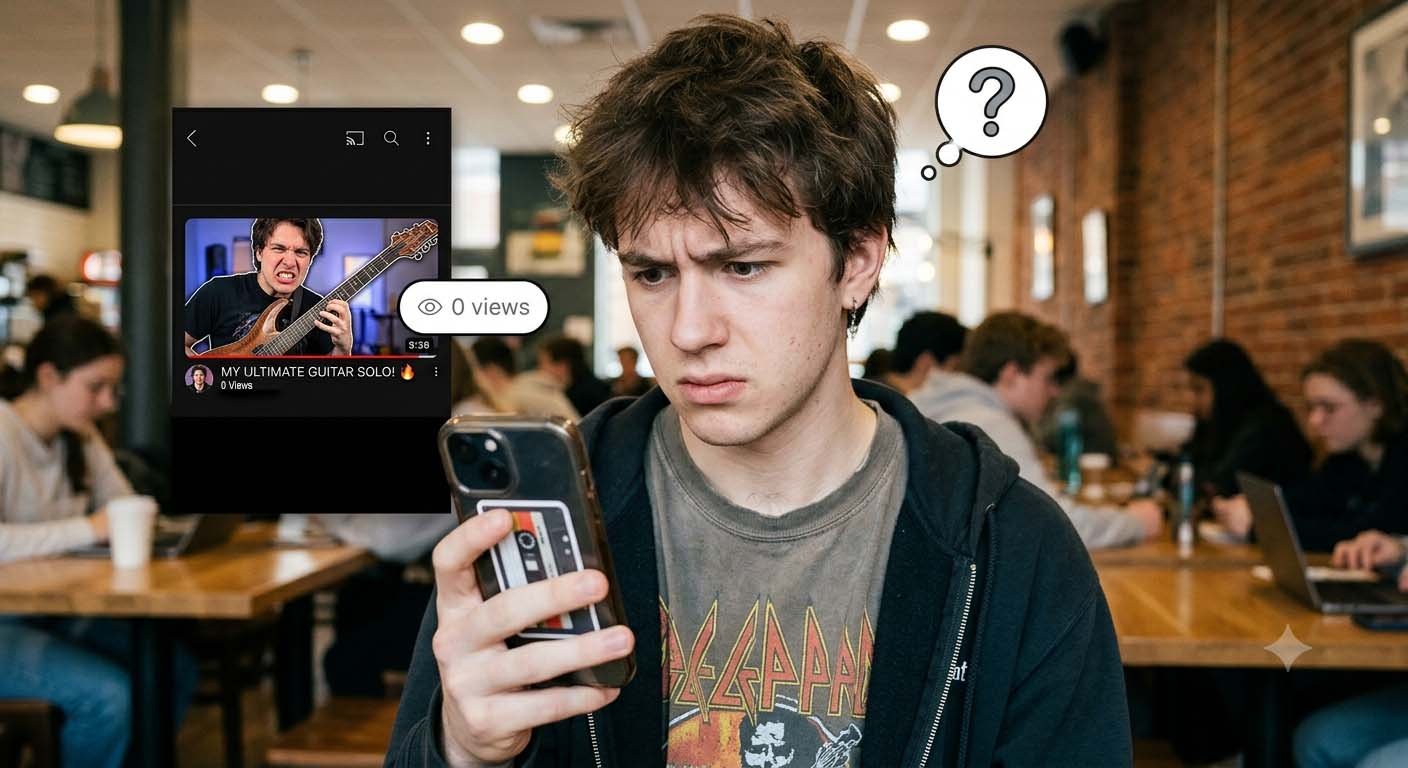
YouTube shows you videos with zero views because it has no data on them yet. It needs real people to watch them before it knows who should see them next. You’re one of those people.
There’s no switch to hide them. But you can make them show up far less, and it takes about five minutes
1. Why a video with no views lands on your screen

Think about a new video the moment it goes live. No clicks. No watch time. No likes. YouTube can’t tell if it’s good, bad, or boring.
So it tests. The video goes out to a small batch of viewers whose habits look close to the topic. If those people click and stay, the batch gets bigger. If they ignore it, the video slows down and mostly disappears.
From what I’ve observed, this is the whole story behind most videos with zero views recommendations. The video isn’t special. It’s just new, and you were picked for the first round.
2. Why you and not someone else
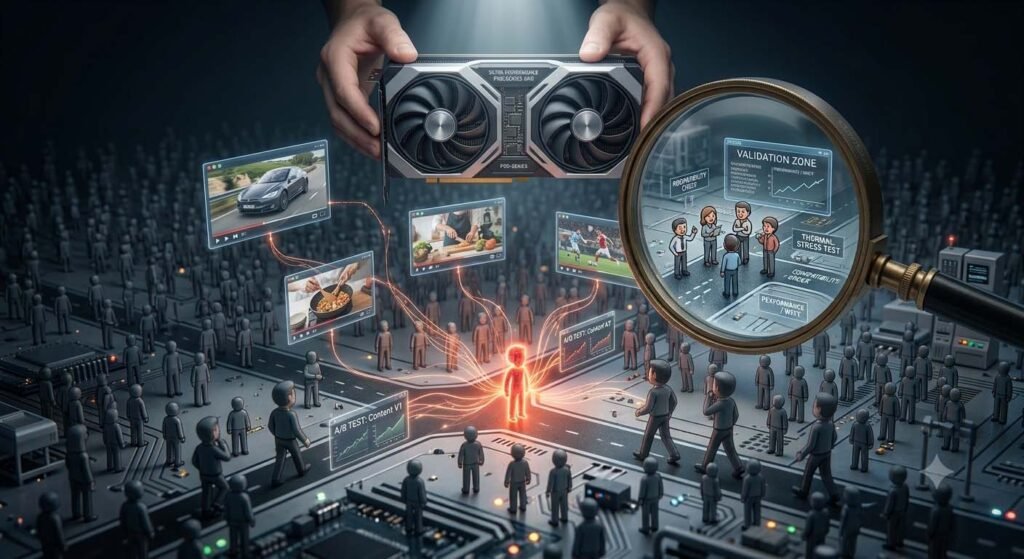
Your watch history decides this. If you spend a week watching phone reviews, YouTube marks you as someone who’ll sit through phone reviews. A tiny channel uploads a phone review ten minutes ago, and you’re an obvious test viewer.
A common mistake I see is people thinking the algorithm is broken. It isn’t. It’s doing exactly what it was built to do, and you’re making it easy by watching a lot and watching to the end.
Shorts make it even more noticeable. The Shorts feed moves fast and tries out new clips constantly, so you’ll see far more tiny-view videos there than on your Home page.
3. Do videos with zero views mean they’re bad?
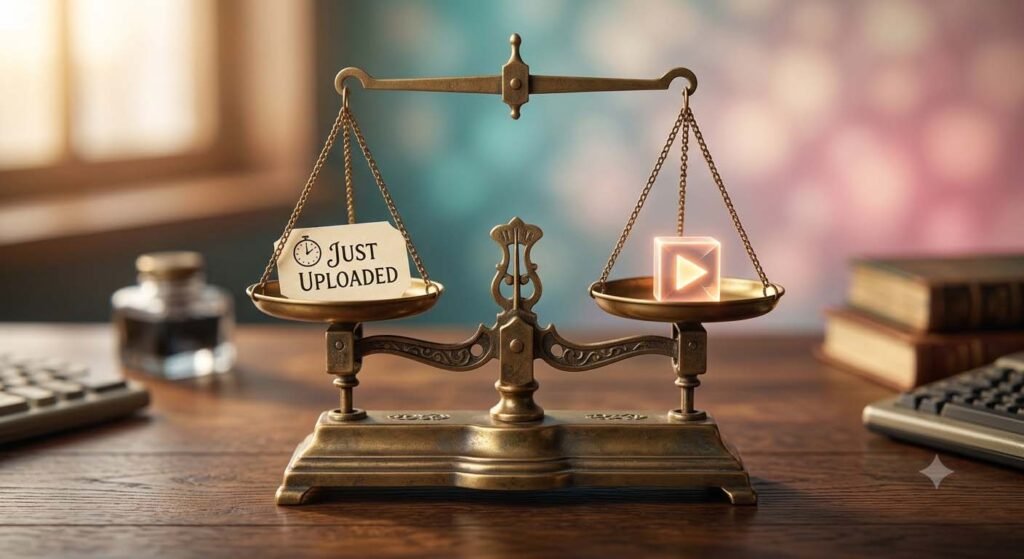
No. Most of the time it simply means the upload is very fresh. If you ever notice videos with zero views on your feed, check the upload time. When I tested this by opening a few of them, nearly all were uploaded within the last few hours.
Some are rough. Some are honestly great. YouTube doesn’t know yet, which is the point.
4. How to see fewer of them

Start with the three-dot menu next to the video title. Tap Not interested. If the same small channel keeps coming back, tap Don’t recommend channel. One tap won’t change much,but if you do it five or six times over a couple of days, you’ll notice the feed shifting.
Next, look at your history. If you watched something random out of curiosity, YouTube may be building a whole stream of recommendations around it. Open your profile, go to History, and remove those videos. You can also use Manage all history to clear a larger range.
Then there’s the part nobody likes hearing: stop clicking them. If you open a videos with zero views and watch two minutes, YouTube reads that as a yes. Skipping them sends the opposite signal. It’s boring advice, but it works better than any trick.
You can pause your watch history if you want a harder reset. Just know your feed will feel less personal for a while. In my experience it gets worse before it gets better, so I’d only do this if you’re truly fed up.
5. If you upload videos yourself
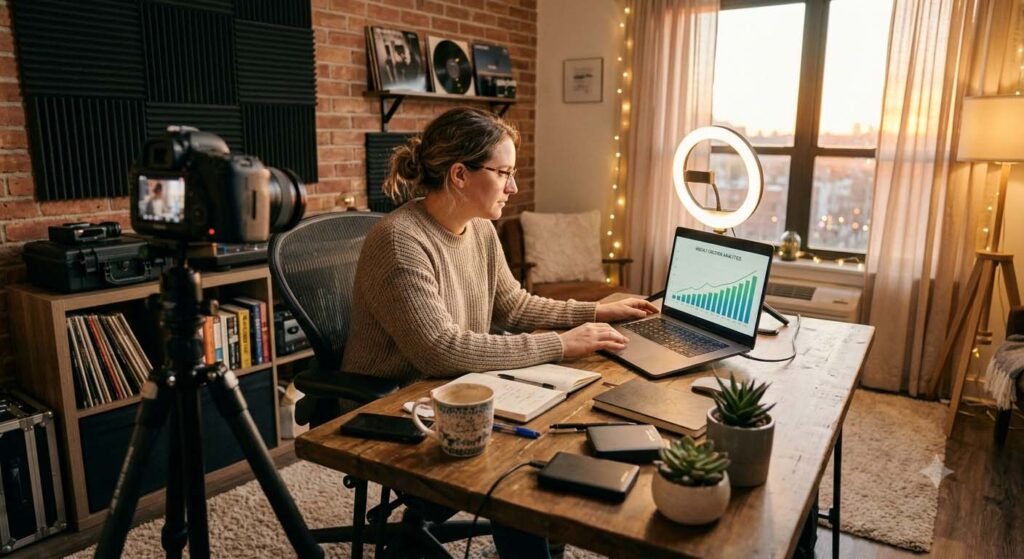
This same test is what gives your own new videos their first push. The first few hours matter. Early clicks and early watch time tell YouTube whether to widen the test.
If you actually try making your title and thumbnail match what the video delivers, you’ll see better retention. A video that opens with the answer, not a long tease, tends to hold people longer. That helps you pass the test.
6. The quick version
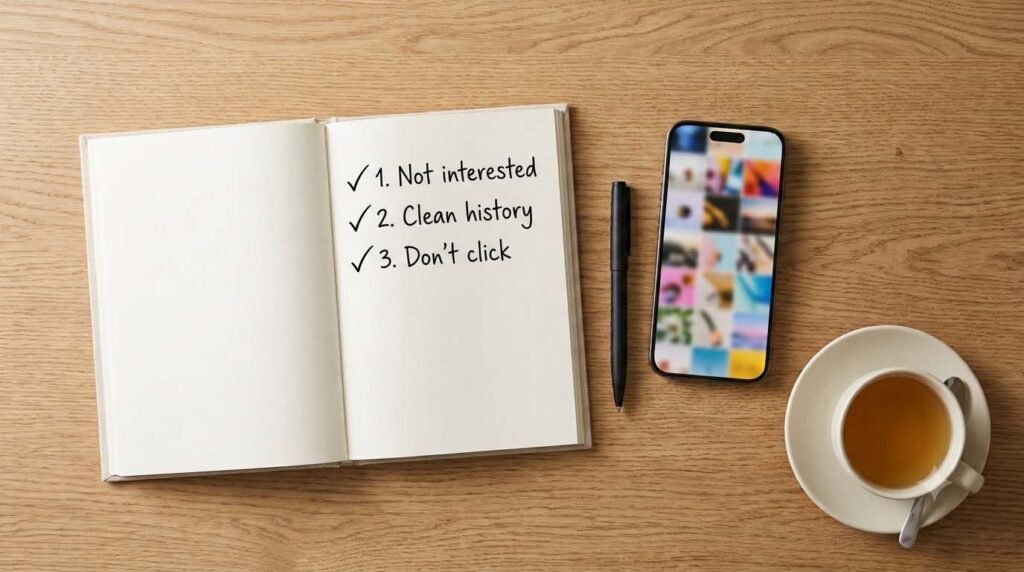
YouTube is testing new uploads on small groups, and your history says you’re a good fit. You can’t turn it off. Mark videos as not interested, clean up your history, and don’t click the ones you don’t want. Give it a few days.